Barcode Scanner & QR Scanner
Application Screenshots & Interface
Click screenshot to enlarge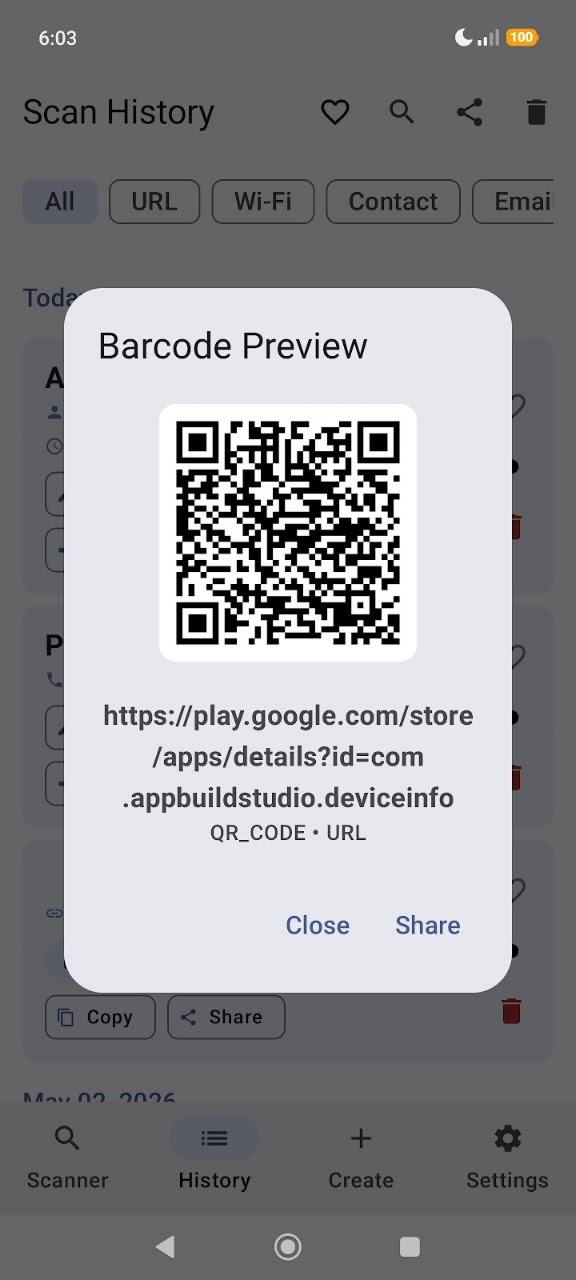
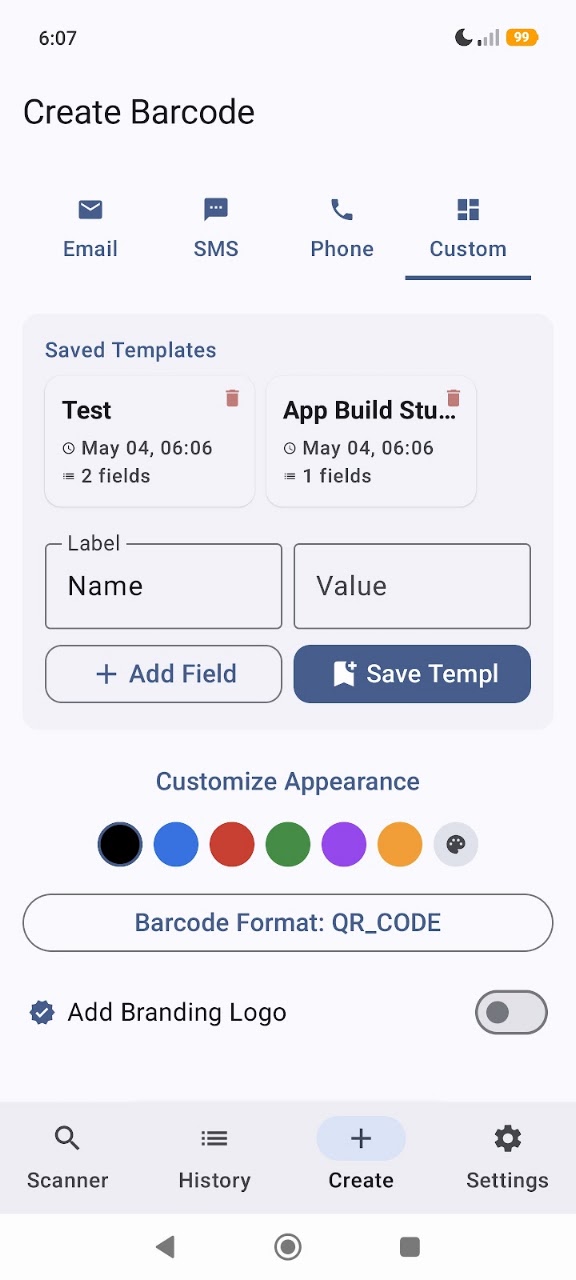
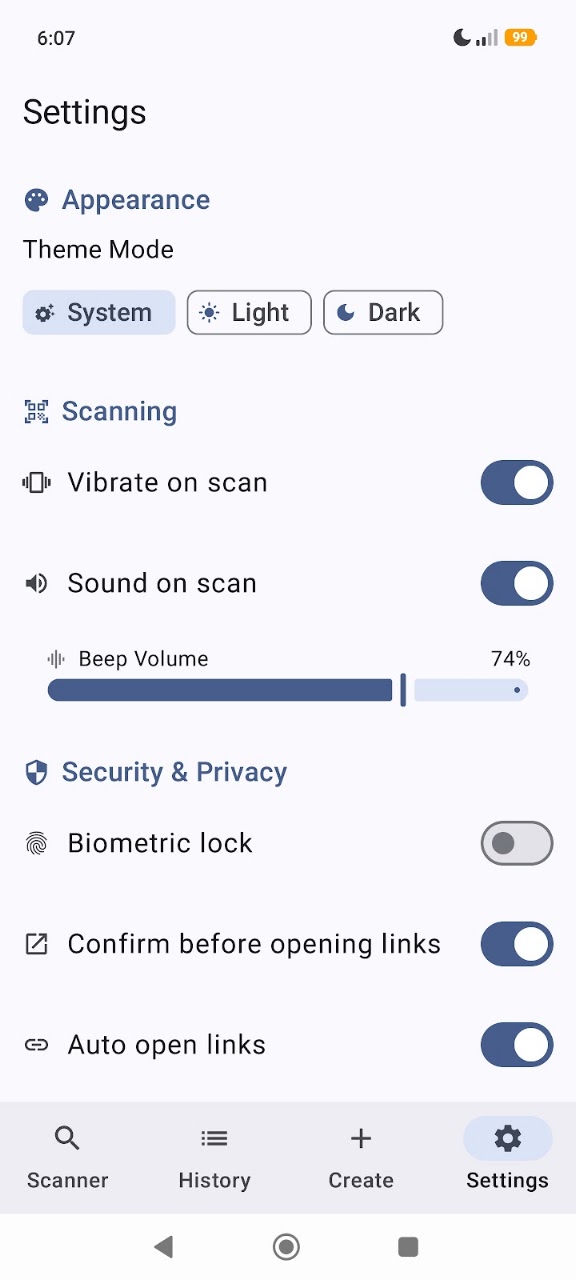
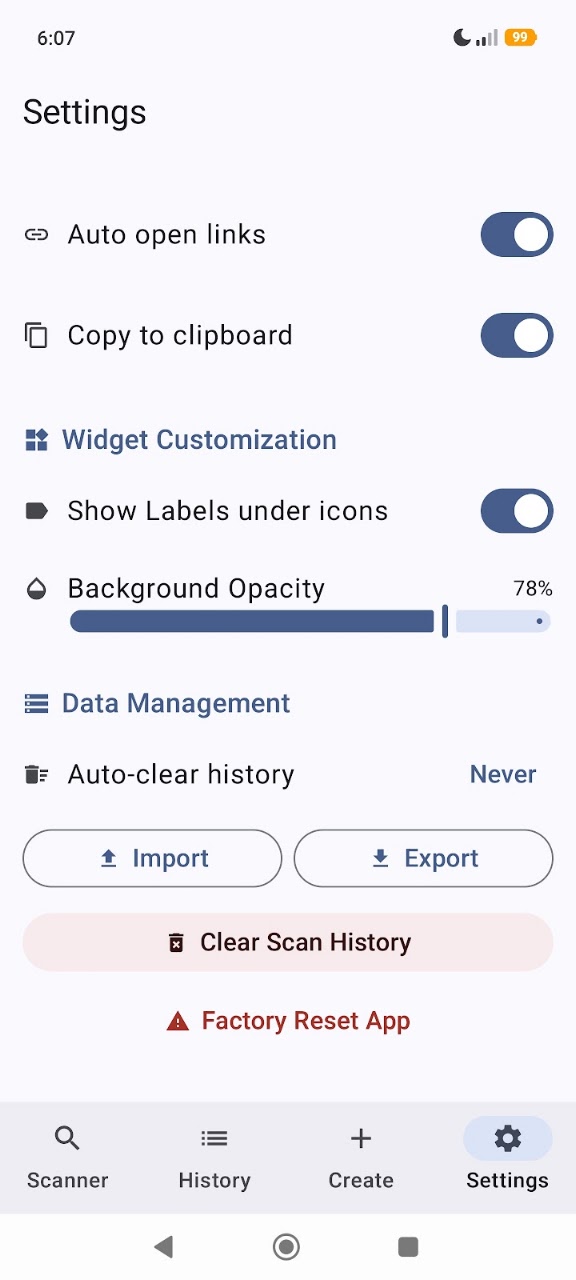
About Barcode Scanner & QR Scanner
Barcode Scanner & QR Scanner is a robust, feature-rich utility for users who require precision, security, and advanced customization in code management. Built on the modern Material 3 system, it provides a seamless experience for industrial use and personal tasks.
🔍 Precision Scanning & Technology
Our engine is optimized for reliability across various lighting and code qualities:
- Instant Decoding: Process QR codes and barcodes using advanced image processing.
- Batch Scan Mode: High-efficiency for retail and logistics. Scan multiple items sequentially; each entry saves automatically—perfect for inventory management.
- Smart OCR (Text Recognition): Extract printed text from documents, cards, or labels. Convert physical text to digital data in seconds.
- Gallery Scan: Decode images and screenshots stored on your device. Simply select an image to extract embedded information instantly.
🛠️ Advanced Barcode Generation
Create professional codes with extensive support for global standards:
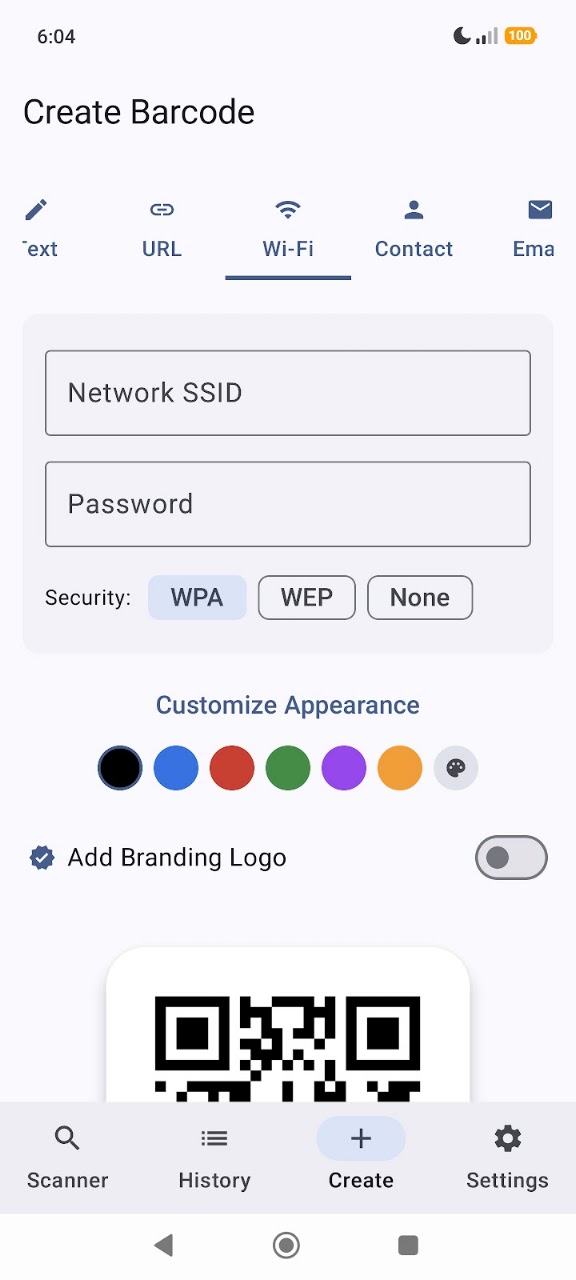
- Standard QR Types: Generate codes for URLs, Wi-Fi networks (SSID/Password), contact cards (vCard), Email, SMS, and Phone dialing.
- Industrial Formats: Full support for 1D/2D formats: EAN-13, EAN-8, UPC-A, UPC-E, Code 39, Code 128, ITF, Codabar, Data Matrix, Aztec, and PDF417.
- Custom Dynamic Templates: Define data structures for specialized use cases. Create templates with custom fields, save them, and reuse for consistent data entry.
🎨 Professional Customization
- Visual Color Picker: Use an intuitive hue slider to visually select colors for your codes.
- Hex Precision Input: Enter exact Hex codes to match your brand’s specific requirements.
- Logo Integration: Embed custom logos or icons into the center of QR codes. The app automatically adjusts error correction to ensure readability.
- Template Metadata: View creations with organized metadata cards, including timestamps and field counts.
🛡️ Security, Privacy & Data Management
- Link Confirmation: Preview URLs and verify their safety before entering your browser.
- Biometric Security: Secure your sensitive scan history and settings using fingerprint or facial recognition technology.
- Offline Operations: All core scanning and generation processes happen locally on your device. Your data remains private and is never uploaded to external servers.
- CSV Data Export: Export your entire history into a CSV file for professional analysis in Microsoft Excel or Google Sheets.
- Quick Actions: Perform tasks directly from history—call numbers, send emails, or connect to Wi-Fi with a single tap.
📦 Supported Formats
Barcode Scanner & QR Scanner is the definitive solution for a secure, versatile, and high-performance environment for code management. Download now for structured and efficient data handling.
Key Features & Capabilities
Data Safety Guarantee: All processed data remains strictly on your Android device. App Build Studio does not transfer, sell, or collect your files, recordings, or telemetry data to any third-party advertising or analytics networks.
Fully compliant with Google Play Data Safety policies, strict Android Scoped Storage guidelines, and GDPR requirements.
Requires Android 10 and up. Does not require root access. Permissions requested are strictly necessary for core functionality and can be inspected or revoked at any time in your Android Settings.
Frequently Asked Questions
Common questions and answers regarding Barcode Scanner & QR Scanner features, privacy, and compatibility.
Yes, Barcode Scanner & QR Scanner is 100% free to download and install from the Google Play Store with zero hidden subscription fees.
No. App Build Studio designs all applications with a strict 100% on-device local processing architecture. Your files, recordings, and diagnostics remain securely on your device.
Barcode Scanner & QR Scanner requires Android 10 and up with a lightweight download size of 40.2 MB.
Official releases and security updates for Barcode Scanner & QR Scanner are distributed directly through the Google Play Store under our verified developer account.
Explore More by App Build Studio