Notification History Log
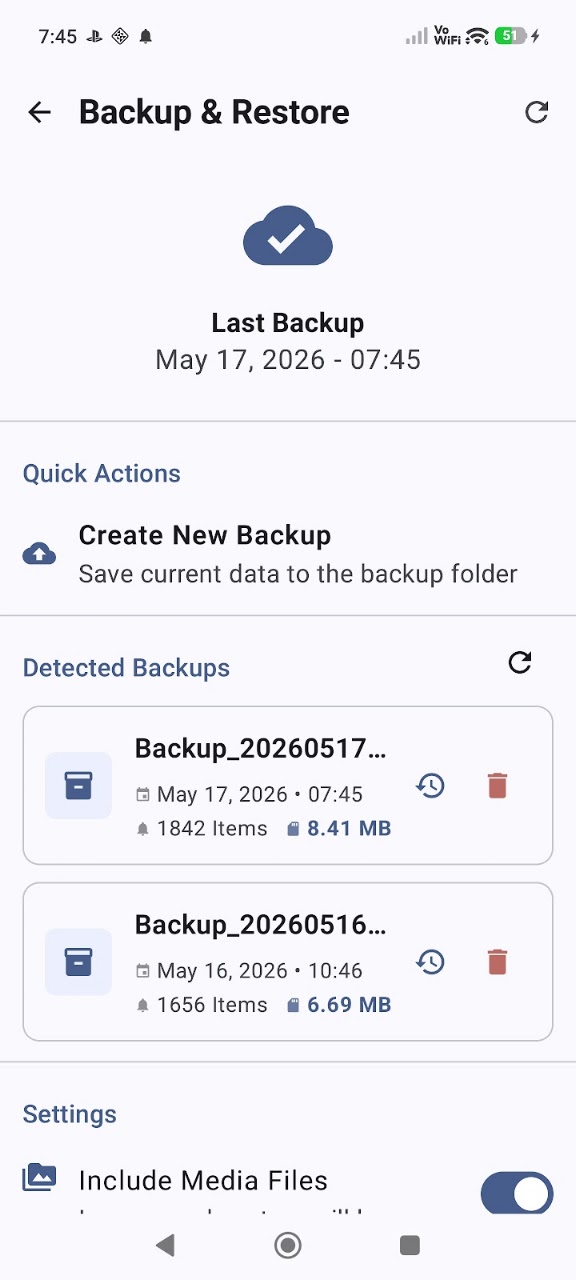
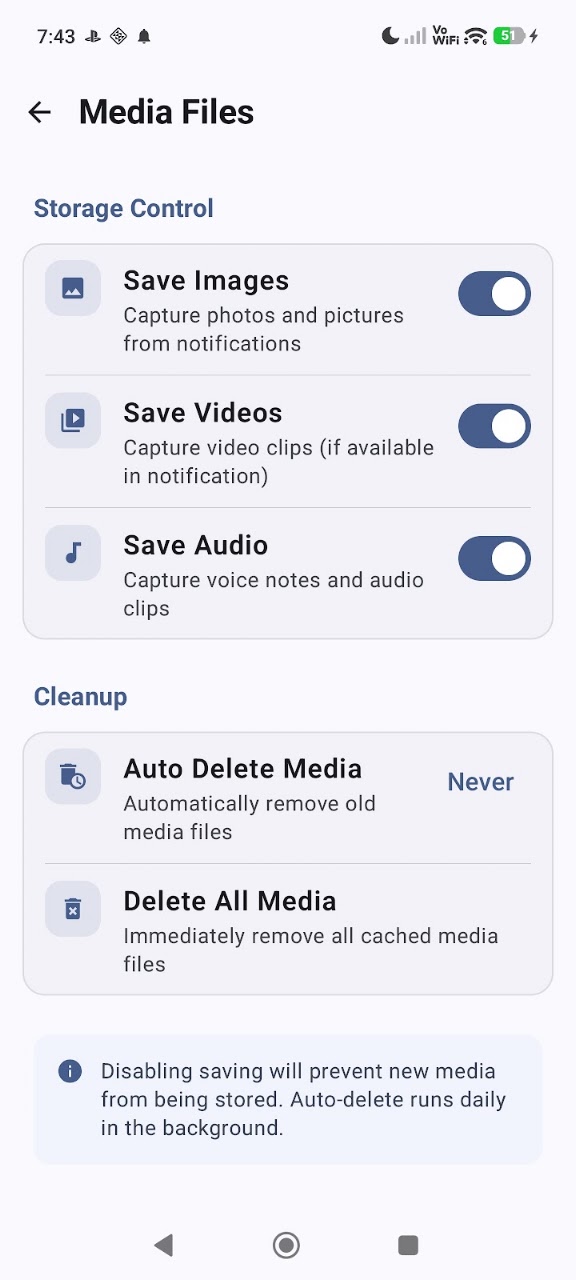
Application Screenshots & Interface
Click screenshot to enlarge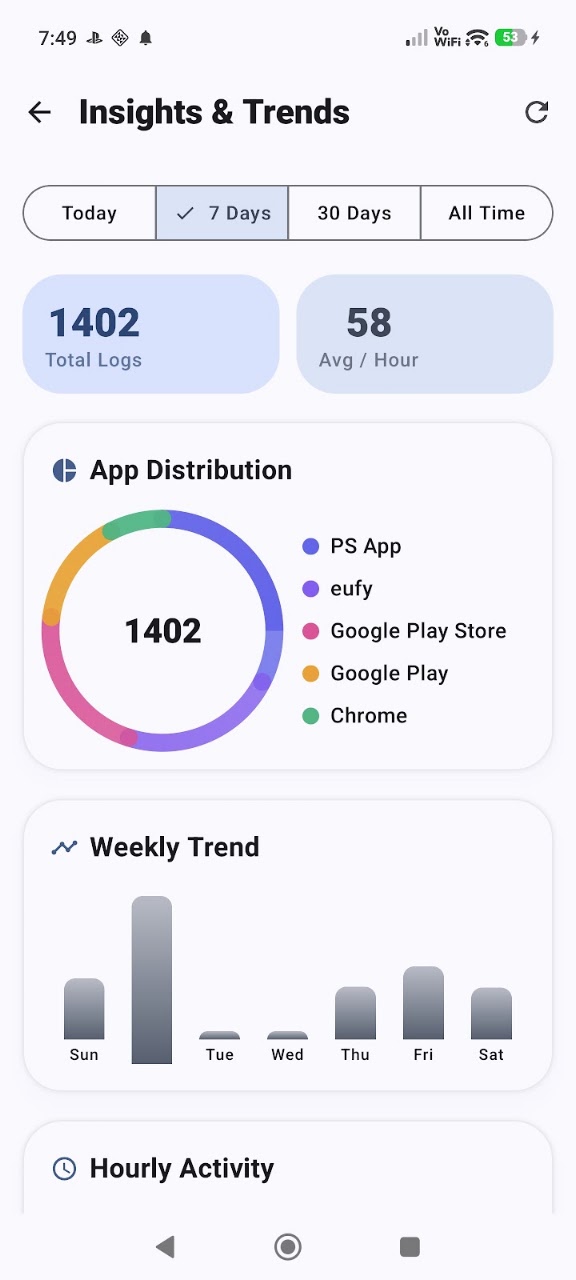
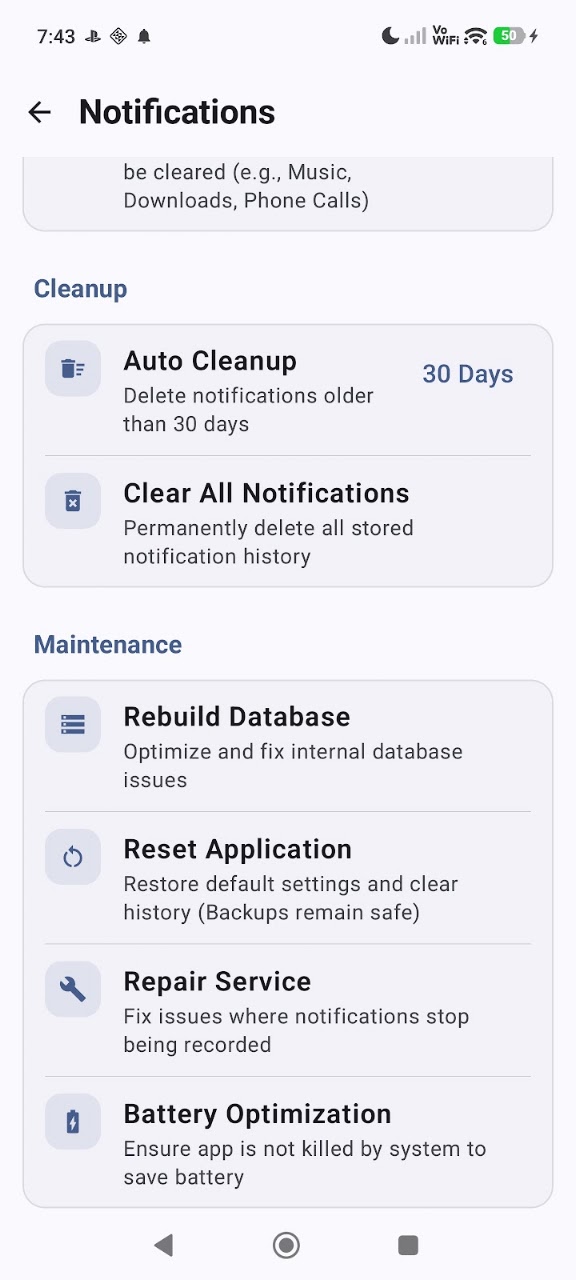
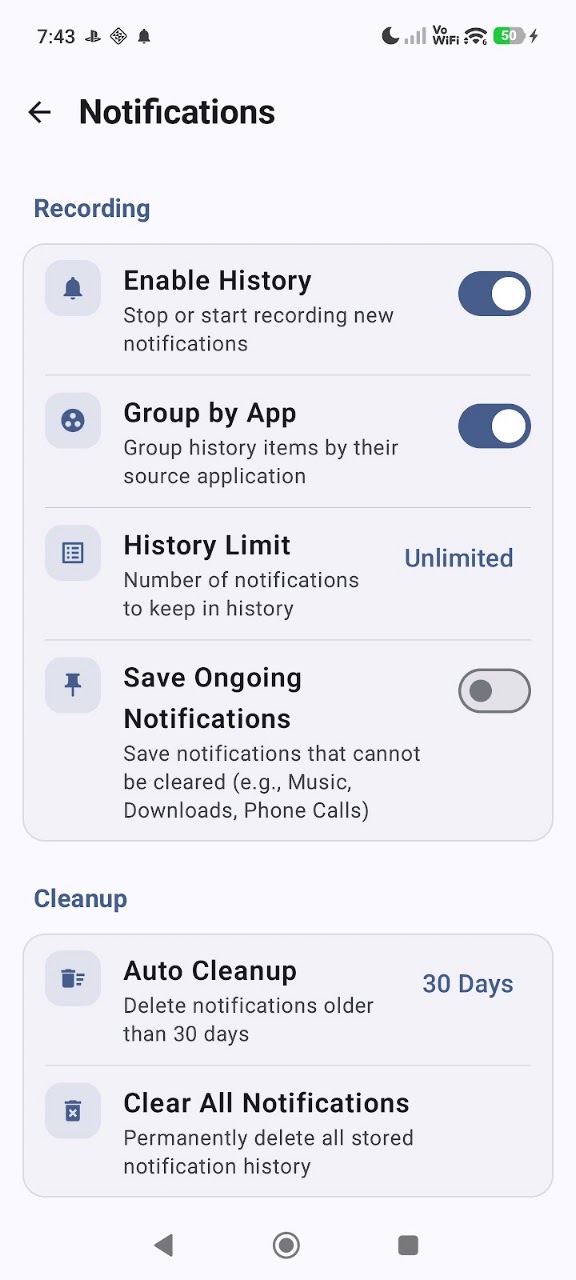
About Notification History Log
Never miss a notification again! Have you ever accidentally cleared an important alert or wanted to read a message that was deleted by the sender? Notification History Log is the perfect tool for you.
Our app acts as a smart recorder for all your incoming notifications. It captures and stores every alert, allowing you to browse through your notification history even if the original notification was swiped away or the message was deleted in apps like WhatsApp, Telegram, or Instagram.
🚀 Main Features
- Automatic Logging: Automatically saves every notification from all your installed apps.
- Recover Deleted Messages: Read messages that were deleted by the sender in social media and messaging apps.
- Smart Organization: View your history grouped by apps for a cleaner and more organized experience.
- Advanced Search: Easily find old notifications by searching for keywords, dates, or specific app names.
- Blacklist Support: Choose which apps you don't want to track to keep your log relevant and clean.
- Privacy First: All your data is stored locally on your device. We do not collect or upload your personal information to any servers.
- Premium UI/UX: A sleek, modern design with full support for Dark Mode.
⚙️ How It Works
Once installed, the app starts monitoring your notification bar. It creates a complete timeline of your alerts, including the sender’s name, the content of the message, and the exact time it arrived.
- The app requires "Notification Access" permission to function correctly.
- It cannot recover notifications received before the app was installed.
- All logs are stored on your device only for your security and privacy.
Download Notification History Log today and take back control of your mobile notifications!
Key Features & Capabilities
Data Safety Guarantee: All processed data remains strictly on your Android device. App Build Studio does not transfer, sell, or collect your files, recordings, or telemetry data to any third-party advertising or analytics networks.
Fully compliant with Google Play Data Safety policies, strict Android Scoped Storage guidelines, and GDPR requirements.
Requires Android 10 and up. Does not require root access. Permissions requested are strictly necessary for core functionality and can be inspected or revoked at any time in your Android Settings.
Frequently Asked Questions
Common questions and answers regarding Notification History Log features, privacy, and compatibility.
Yes, Notification History Log is 100% free to download and install from the Google Play Store with zero hidden subscription fees.
No. App Build Studio designs all applications with a strict 100% on-device local processing architecture. Your files, recordings, and diagnostics remain securely on your device.
Notification History Log requires Android 10 and up with a lightweight download size of 14.2 MB.
Official releases and security updates for Notification History Log are distributed directly through the Google Play Store under our verified developer account.
Explore More by App Build Studio