Device Info: System, CPU, RAM
Application Screenshots & Interface
Click screenshot to enlarge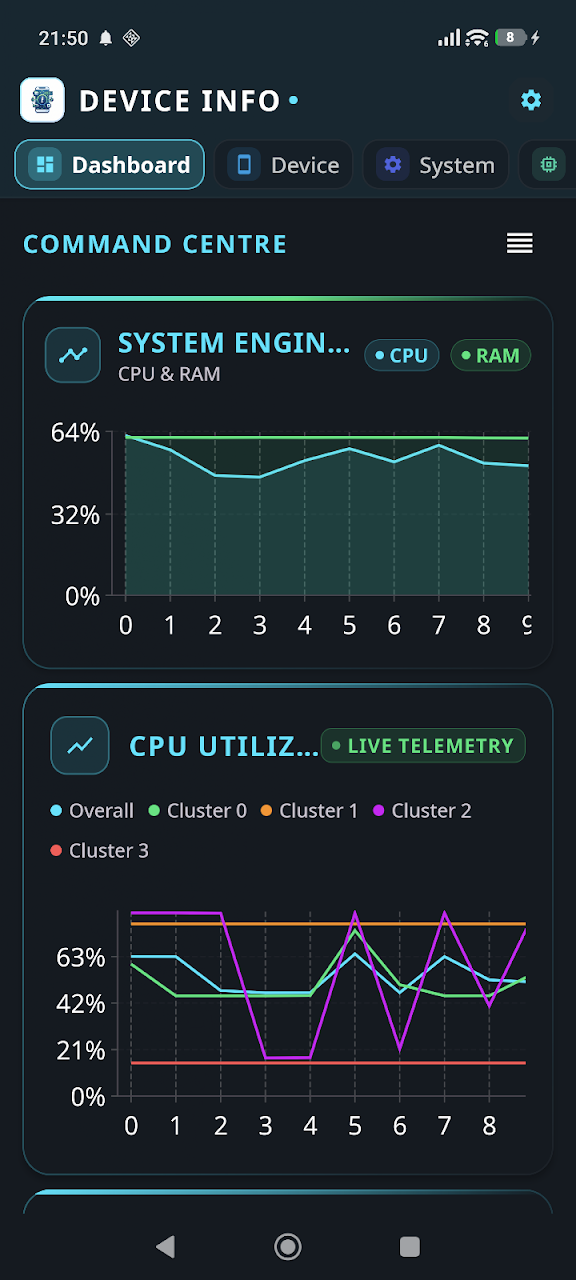
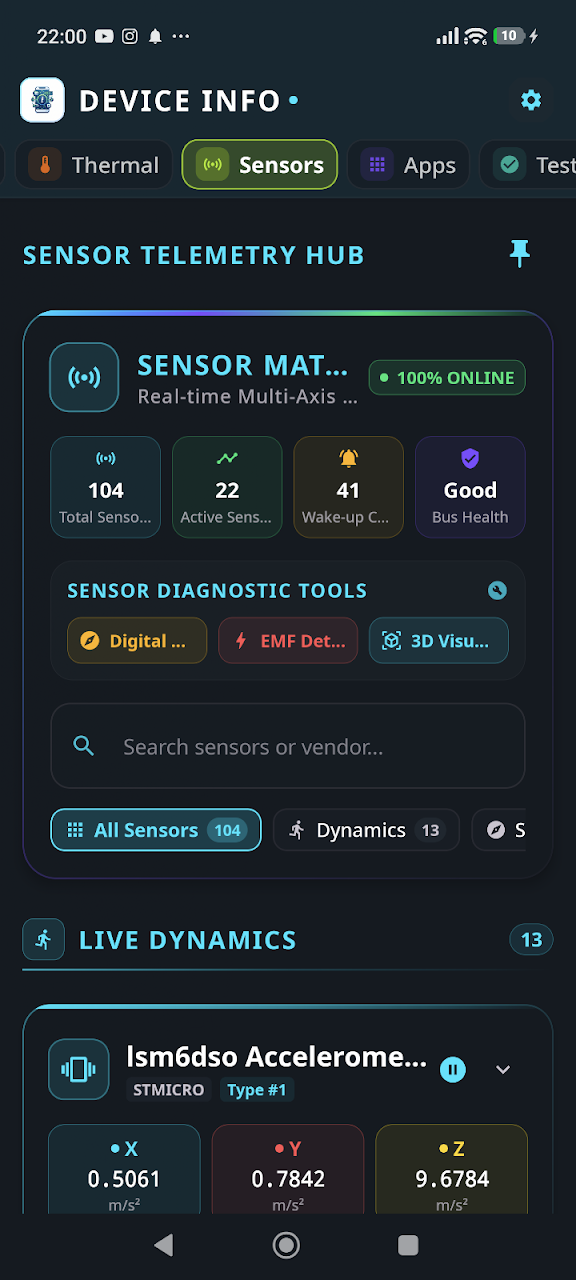
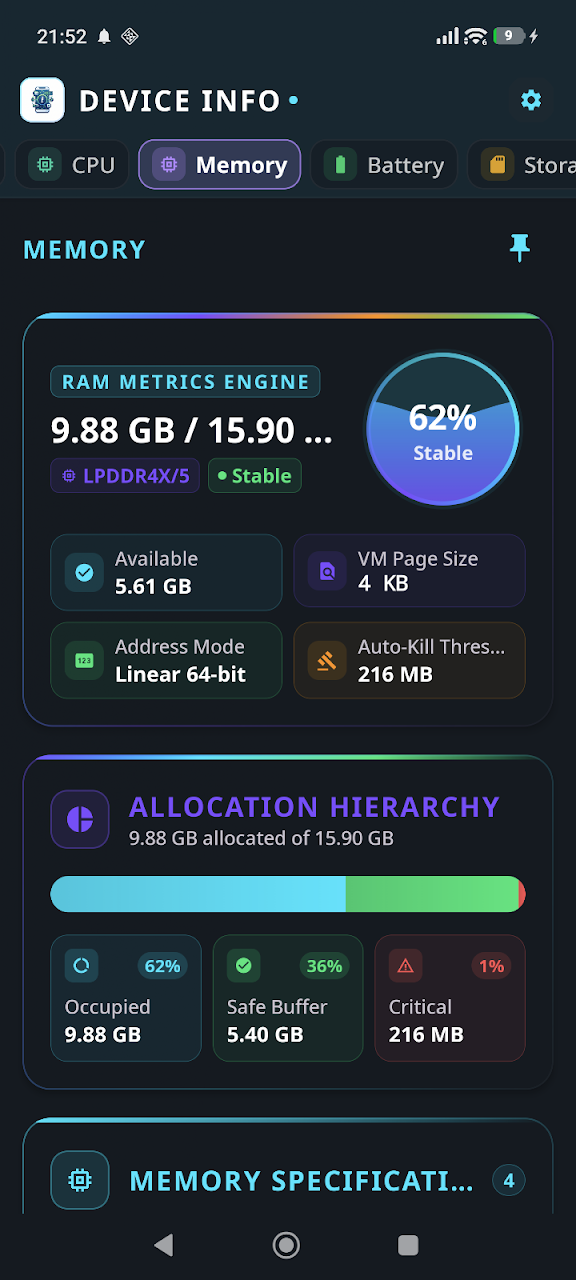
About Device Info: System, CPU, RAM
Unlock the full potential of your phone with Device Info – your ultimate hardware companion! Ever wondered what’s really under the hood of your smartphone? Device Info is a powerful, comprehensive, and sleek Android application that provides you with every single detail about your hardware and software in real-time.
Whether you are a tech enthusiast, a developer, or just curious about your device’s health, Device Info is the professional diagnostic and telemetry tool you’ve been looking for.
🚀 Key Features at a Glance
- Dashboard: At-a-glance overview of RAM, Storage, Battery, CPU, and running Apps.
- Device & System: Deep dive into your Model, Manufacturer, Board, Hardware, Android Version, Security Patch, and Kernel details.
- CPU & GPU: Comprehensive data on processor architecture, core usage in real-time, clock speeds, and graphics specifications.
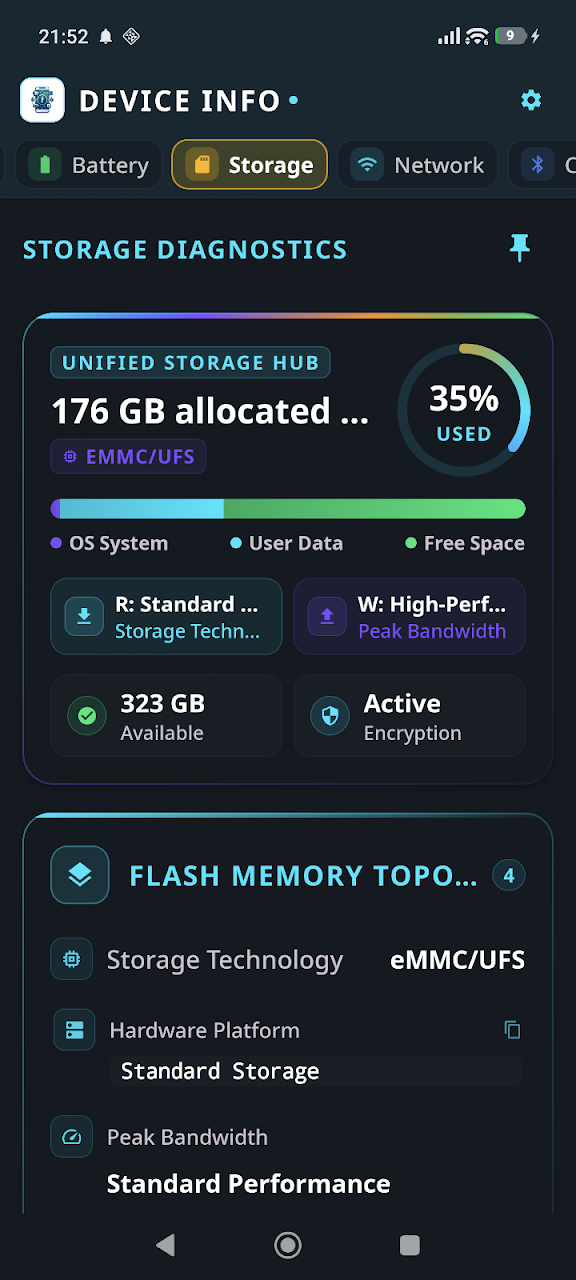
- RAM & Storage: Monitor memory usage and manage your internal/external storage with absolute precision.
- Battery Health: Monitor battery status, temperature, voltage, technology, and health in real-time.
- Granular Thermal Monitor: Identify temperature sensors for CPU, GPU, and Battery to detect overheating before it starts.
- Sensors Explorer: Real-time data from every sensor on your phone: Accelerometer, Gyroscope, Proximity, Light, Magnetometer, and more.
- Camera Specifications: Professional details for both front and rear cameras, including resolution, aperture, focal length, and supported features.
🧪 Advanced Hardware Diagnostics & Testing
Is your phone performing as it should? Use our built-in interactive testing suite to verify your hardware:
- Display Test: Check for dead pixels, screen uniformity, and color accuracy.
- Multitouch & Vibration: Ensure your touchscreen responsiveness and haptic motors are perfect.
- Speaker & Mic: Test ear-speaker, loudspeaker, and microphone input quality.
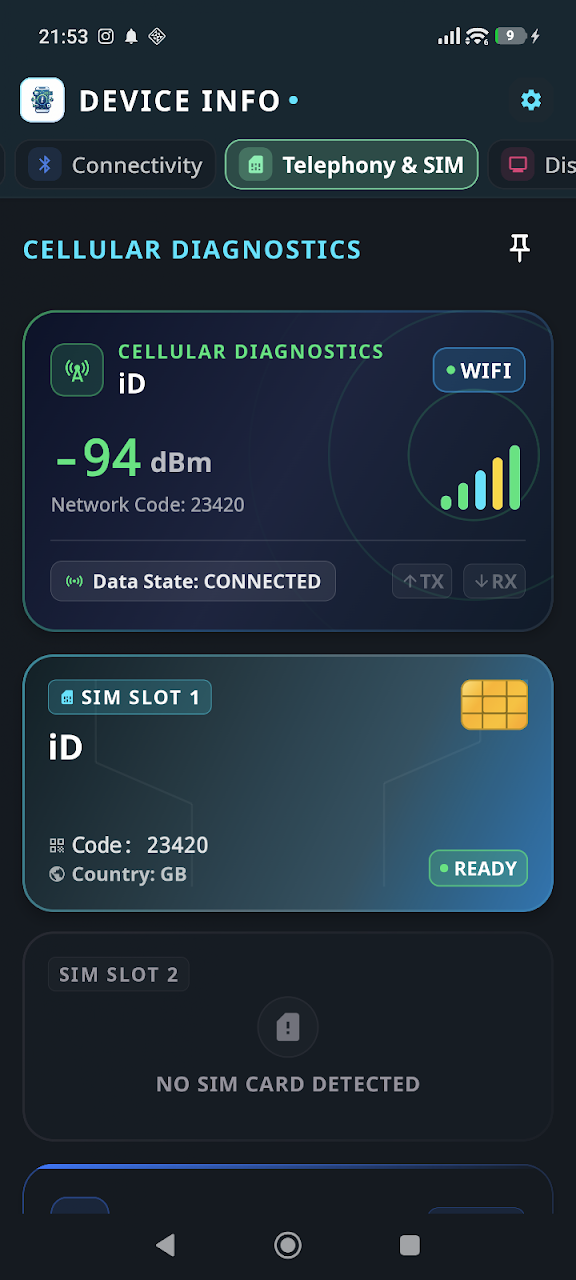
- Flashlight & Connectivity: Verify your camera LED, Wi-Fi, and Bluetooth modules.
🛡️ Privacy & Security First
We take your privacy seriously. Device Info is designed to work completely locally. Permissions like Camera and Microphone are used strictly for hardware testing and are never recorded or transmitted. No personal data ever leaves your device.
📊 App Management & Professional Reports
- App Management: Complete list of installed and system apps with version numbers, target SDKs, and install dates.
- Professional PDF Reports: Generate detailed PDF reports of your device's specifications—perfect for troubleshooting, developer documentation, or when selling your device.
Key Features & Capabilities
Data Safety Guarantee: All processed data remains strictly on your Android device. App Build Studio does not transfer, sell, or collect your files, recordings, or telemetry data to any third-party advertising or analytics networks.
Fully compliant with Google Play Data Safety policies, strict Android Scoped Storage guidelines, and GDPR requirements.
Requires Android 10 and up. Does not require root access. Permissions requested are strictly necessary for core functionality and can be inspected or revoked at any time in your Android Settings.
Frequently Asked Questions
Common questions and answers regarding Device Info: System, CPU, RAM features, privacy, and compatibility.
Yes, Device Info: System, CPU, RAM is 100% free to download and install from the Google Play Store with zero hidden subscription fees.
No. App Build Studio designs all applications with a strict 100% on-device local processing architecture. Your files, recordings, and diagnostics remain securely on your device.
Device Info: System, CPU, RAM requires Android 10 and up with a lightweight download size of 18.8 MB.
Official releases and security updates for Device Info: System, CPU, RAM are distributed directly through the Google Play Store under our verified developer account.
Explore More by App Build Studio