Media Video Audio Converter
Application Screenshots & Interface
Click screenshot to enlarge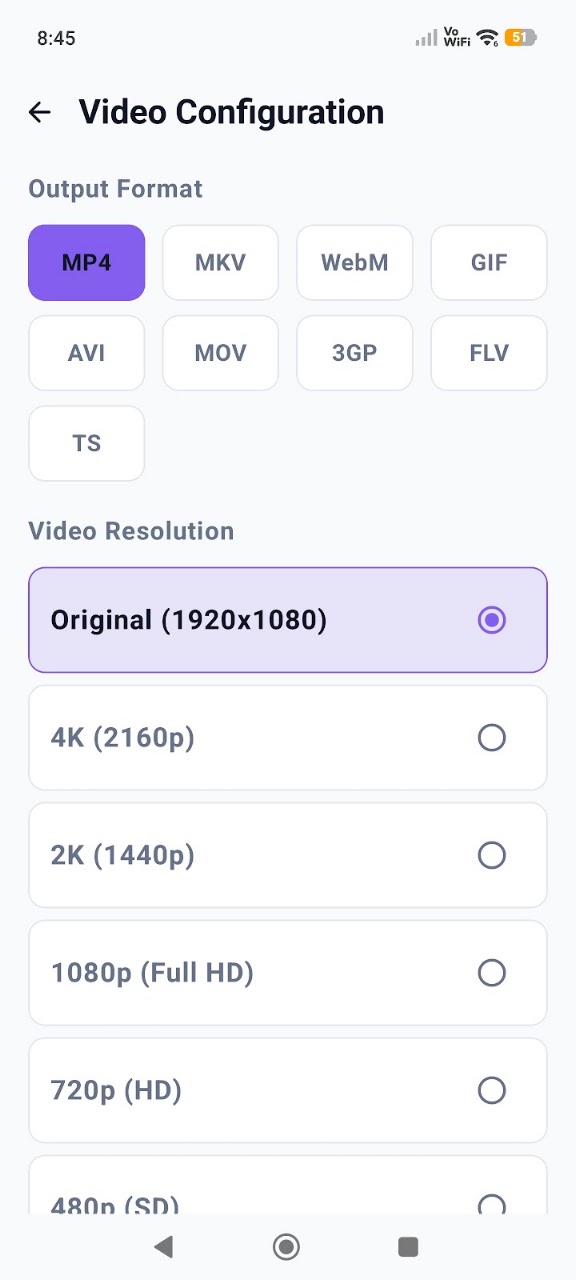
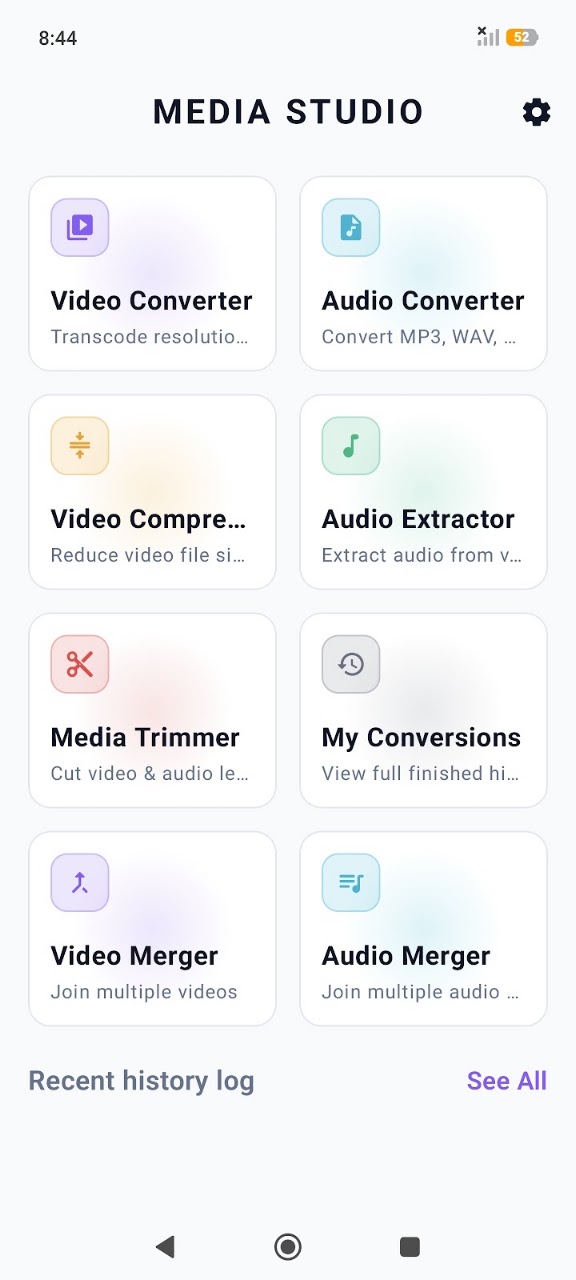
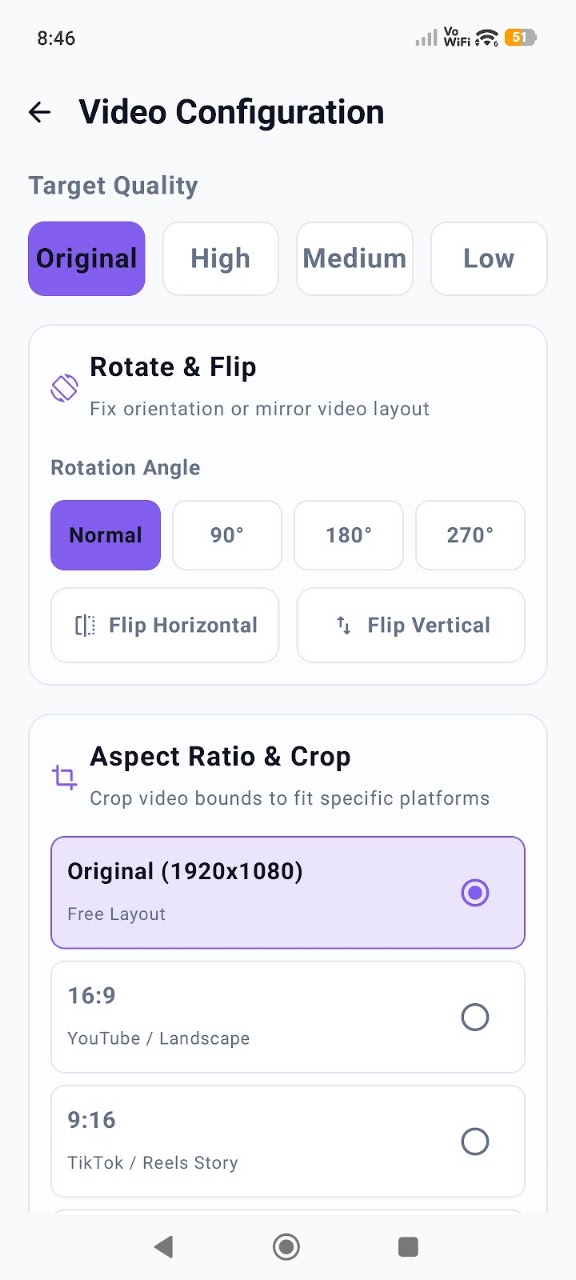
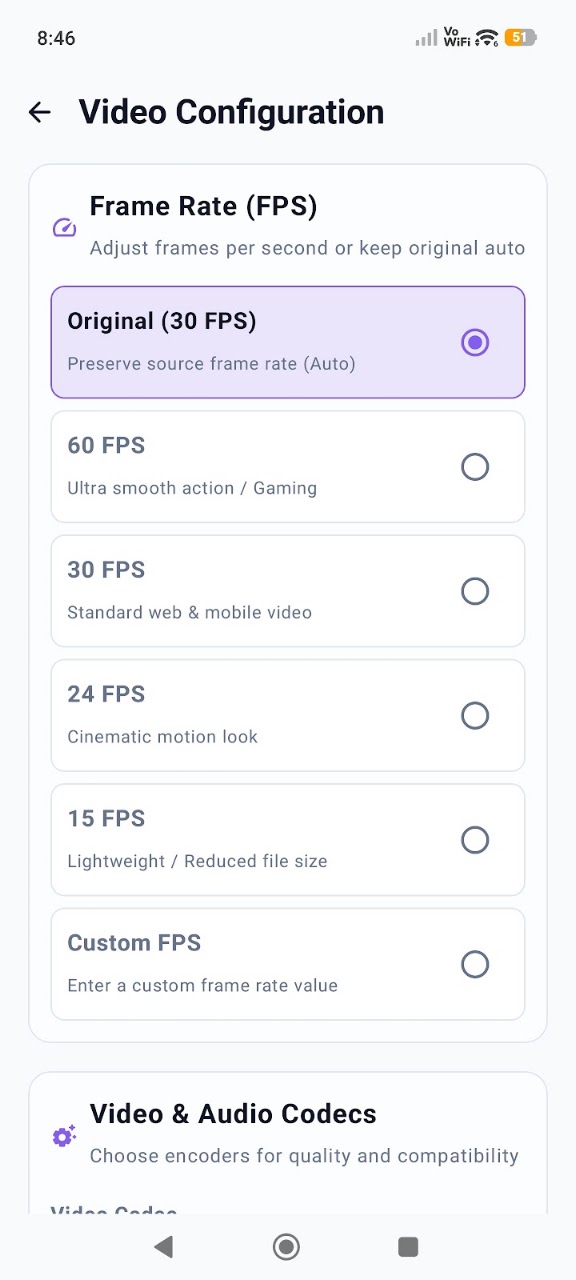
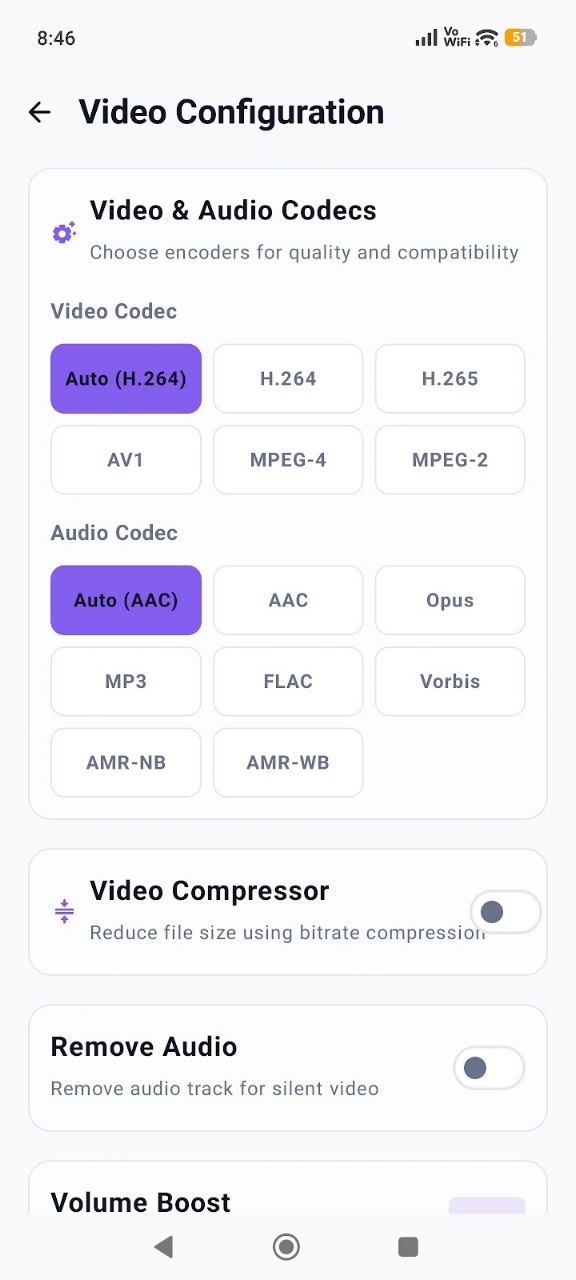
About Media Video Audio Converter
🎬 Media Video Audio Converter – Fast, Reliable & Feature-Rich! Are you looking for a practical, efficient, and user-friendly tool to manage and convert your media files? Media Video Audio Converter provides a comprehensive set of features designed to convert, merge, cut, and edit video and audio files within a modern, intuitive, and responsive interface.
Easily change file formats, manage file sizes, and configure custom output settings directly on your device without compromising quality.
✨ Key & Advanced Features
- 📹 High-Performance Video Converter: Convert popular video formats, including MP4, MKV, AVI, MOV, FLV, 3GP, and more. Flexible resolution options ranging from standard formats to Full HD (1080p), plus custom resolution settings. Adjustable Frame Rate (FPS) and video Bitrate to balance file size and output clarity. View detailed metadata specifications of selected video files before initiating conversion. Quick and simple file renaming for organized storage.
- 🎵 Versatile Audio Converter & Extractor: Convert audio formats, including MP3, AAC, WAV, M4A, WMA, OGG, FLAC, and more. Integrated Video to MP3 extraction feature to easily save audio tracks from video files. Dynamic visual experience: automatically extracts and displays real album art and video thumbnails during file selection and in the history logs. Customize audio properties such as Sample Rate and Audio Channels (Mono/Stereo).
- ✂️ Precise Cutter & Seamless Merger: Trim and cut video or audio files with high precision to save only the required parts. Merge multiple video or audio tracks together into a single file. Instantly preview files before finalizing your cuts or merges.
- 📂 Organized History Log: Easily access all your converted files in a dedicated history tab. Dynamic thumbnail previews for converted videos and audios to visually identify your creations instantly. Share, manage, or delete your output files directly from the app.
💎 Why Choose Media Video Audio Converter?
- Modern Design: An elegant dark-mode design with clean layouts and fluid micro-animations.
- Local Processing: All conversions are processed locally on your device, ensuring that your data remains completely private.
- Quality Maintenance: Smart compression algorithms keep your audio clear and your videos sharp.
- User-Centric Navigation: Select files, customize your settings, and convert in just a few taps.
📂 Supported Formats
Download Media Video Audio Converter today to experience easy and efficient media processing on your device!
Key Features & Capabilities
Data Safety Guarantee: All processed data remains strictly on your Android device. App Build Studio does not transfer, sell, or collect your files, recordings, or telemetry data to any third-party advertising or analytics networks.
Fully compliant with Google Play Data Safety policies, strict Android Scoped Storage guidelines, and GDPR requirements.
Requires Android 10 and up. Does not require root access. Permissions requested are strictly necessary for core functionality and can be inspected or revoked at any time in your Android Settings.
Frequently Asked Questions
Common questions and answers regarding Media Video Audio Converter features, privacy, and compatibility.
Yes, Media Video Audio Converter is 100% free to download and install from the Google Play Store with zero hidden subscription fees.
No. App Build Studio designs all applications with a strict 100% on-device local processing architecture. Your files, recordings, and diagnostics remain securely on your device.
Media Video Audio Converter requires Android 10 and up with a lightweight download size of 122.6 MB.
Official releases and security updates for Media Video Audio Converter are distributed directly through the Google Play Store under our verified developer account.
Explore More by App Build Studio